Text to Video
Turn a written idea into a polished AI video. Describe the scene, choose your model and settings, then generate and download your video online.
Powerful Text to Video Features
Everything you need to turn a prompt into a coherent, ready-to-use AI video
Prompt-Aware Video Creation
Describe a subject, action, setting, camera movement, lighting, and style. Text to video AI combines those details into one scene.
Text to Video Models
Choose from leading text to video models based on the motion, visual style, duration, and output quality your project needs.
Flexible Generation Controls
Control text to video duration and resolution directly, with transparent credit costs shown before each generation.
High-Quality Video Output
Generate polished AI video clips for social media, advertising, presentations, story concepts, and creative workflows.
How to Use Text to Video
Create AI video content from a written prompt in four simple steps
Write a Text to Video Prompt
Describe the main subject, what happens, the setting, camera movement, lighting, and visual style you want to see.
Choose a Model and Settings
Choose a text to video model, then set the duration and resolution for your publishing needs.
Generate Your Video
The text to video model interprets your prompt and creates a coherent scene with matching visuals, motion, and atmosphere.
Preview and Download
Review the completed result in your browser, download the video, and use it in your next project.
Ready to turn your first prompt into motion? Start creating with the text to video generator above.
No editing timeline or animation experience required.
Choose Your Plan
Flexible pricing options for different needs
$95.90 billed annually
Perfect for individuals
- 560 credits renewed monthly
- Auto-renewal
$191.90 billed annually
For professionals and teams
- 1,400 credits renewed monthly
- Auto-renewal
- Advanced support
$383.90 billed annually
For large organizations
- 3,500 credits renewed monthly
- Auto-renewal
- Customized requirements
Text to Video Examples
See the characters, scenes, and cinematic motion you can create with a text to video prompt
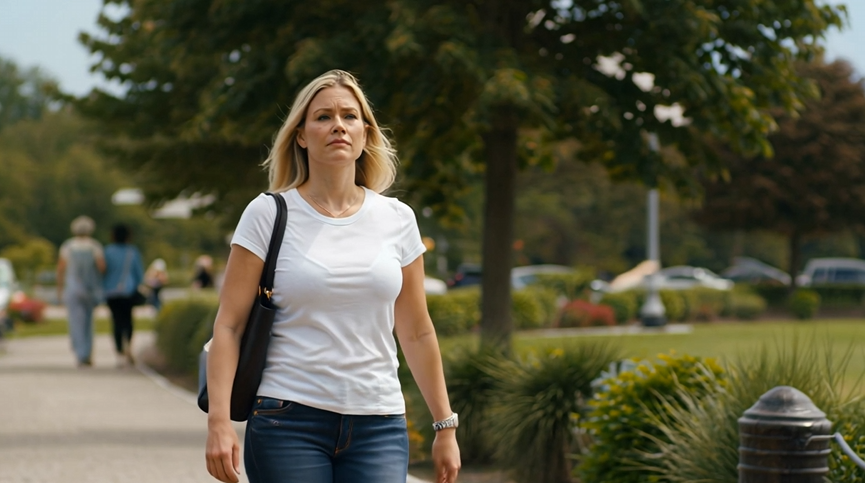
Natural Character Motion
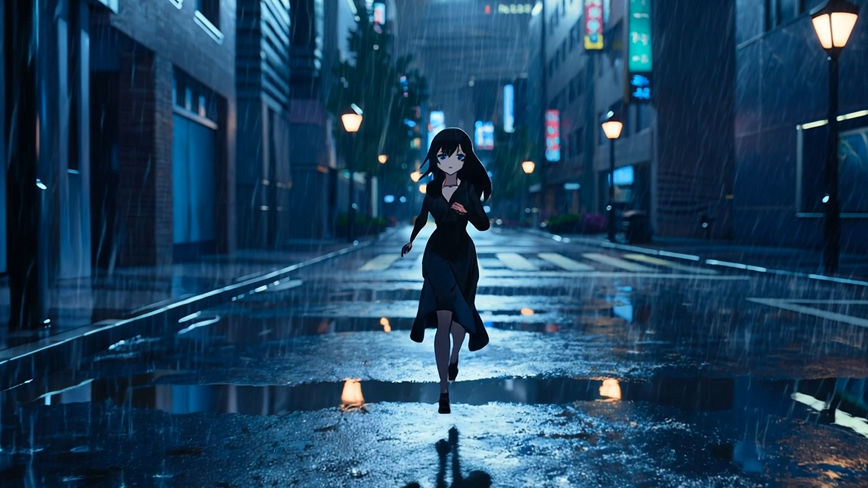
Anime Story Scene
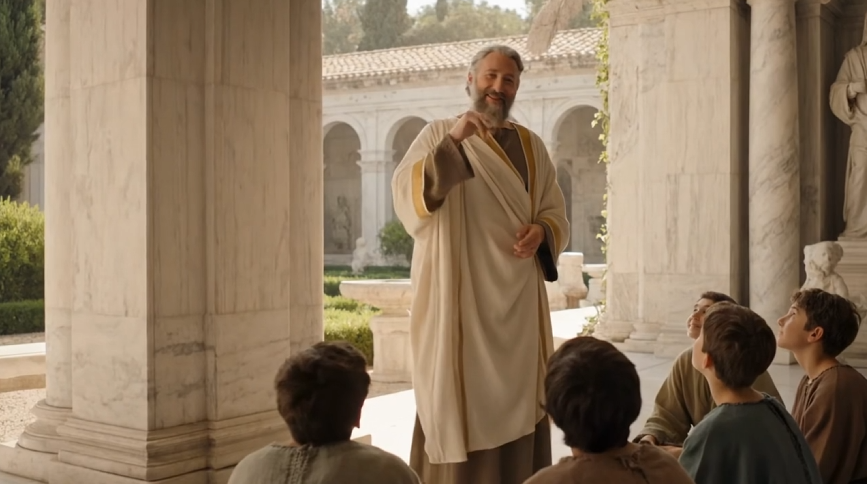
Dialogue and Storytelling
Use these examples as inspiration, then write a prompt that matches your own creative direction
Text to Video Frequently Asked Questions
Everything you need to know before using text to video
What is a text to video AI generator?
A text to video AI generator interprets a written prompt and creates a video clip with matching subjects, actions, settings, camera movement, lighting, and visual style.
Does text to video require an image?
No. Select Seedance 2.0 or Veo 3 Fast to generate directly from text. An image is optional for those models and required only when you select Kling v2.1.
How do I write a good text to video prompt?
Start with one clear subject and action, then add the setting, camera movement, lighting, and visual style. Specific scene directions usually work better than long lists of vague adjectives.
Which text to video model should I choose?
Different models suit different visual styles and workflows. Seedance 2.0 and Veo 3 Fast support text-only generation, while Kling v2.1 is available when you want to animate an uploaded image.
Can I choose the video duration and quality?
Yes. Text to video settings update automatically for your selected model, and required credits appear before generation.
How long does text to video generation take?
Generation time varies with the selected model, duration, resolution, and current demand. Most short clips are completed within a few minutes.
Can I download my generated AI video result?
Yes. When generation is complete, you can preview the result in the browser and download the video for editing, publishing, or sharing.
Can I use generated videos commercially?
Generated videos can be used in commercial creative work, subject to the applicable model terms and your responsibility for the prompt, source material, and final content.